Cloud · Organizations · 02
Invite and manage members
Invite people to your organization, change their roles, and remove or disable them.
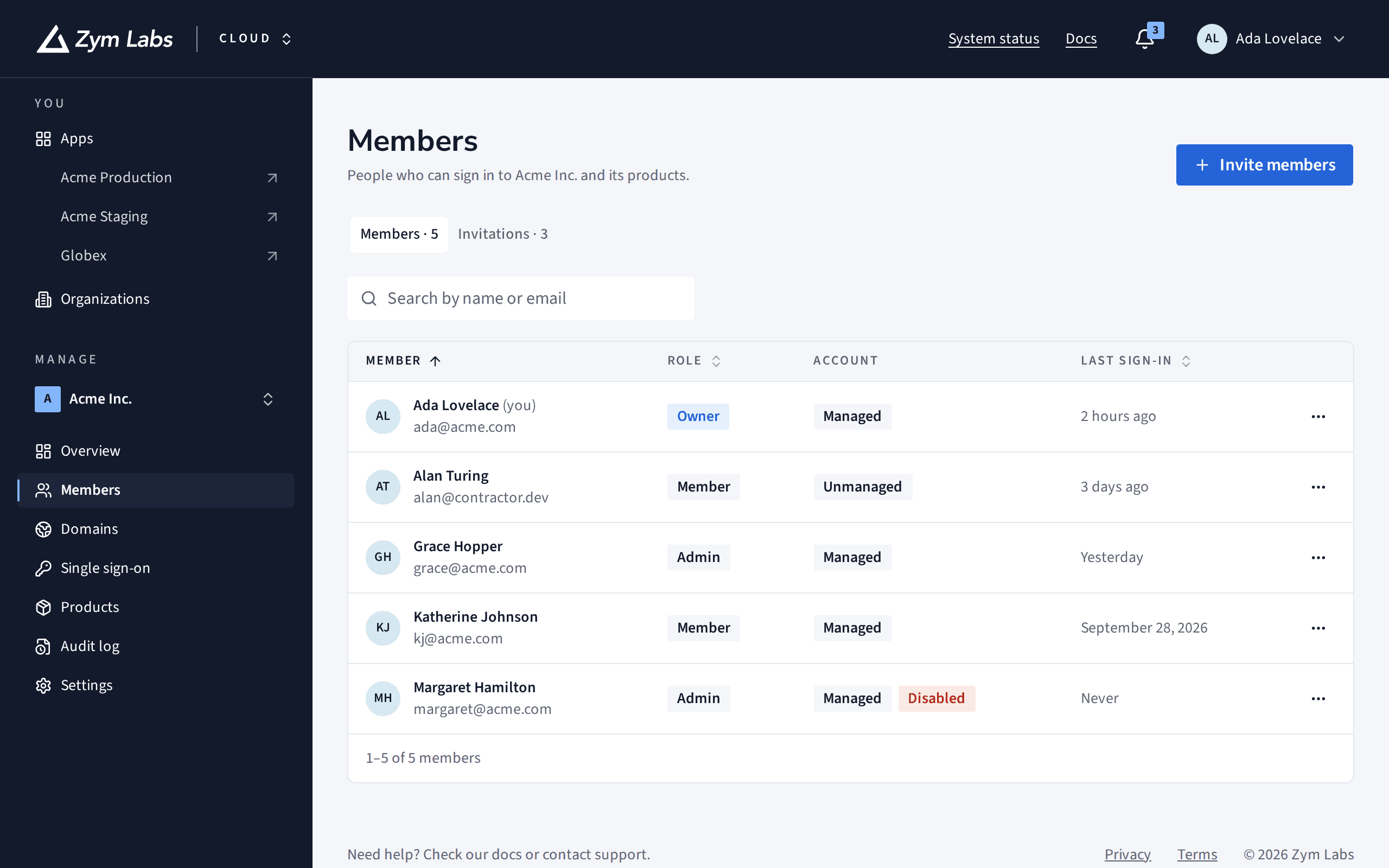
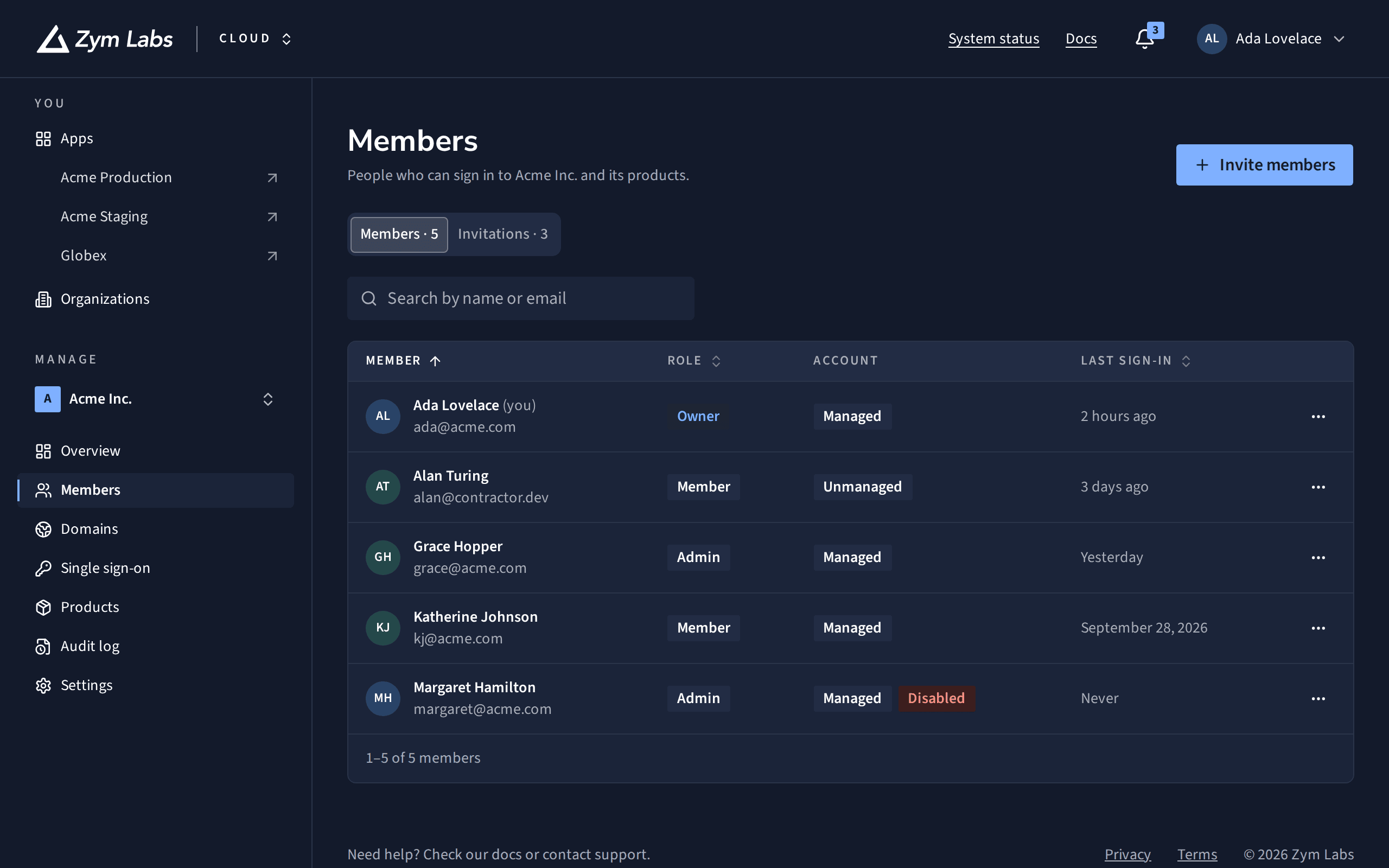
Members lists everyone who can sign in to your organization and its products, with their role, their kind of account and when they last signed in. From there you invite people, change roles and remove access. You need to be an organization owner or admin; changes that involve owners need an owner.
Invite people
Open the invitation
Open Members and choose Invite members.
Add their addresses
Enter up to 20 email addresses, one per line or separated by commas, and choose their Role.
Send
Send the invitations. Each person gets an email with a link that works for 7 days.
Pending invitations are under Invitations, where you can Resend or Revoke each one. An organization can send 100 invitations a day, and each invitation can be resent 3 times a day.
Change a role
Open the menu at the end of a person's row and choose Change role. It takes effect the next time they sign in, within 5 minutes. Making someone an admin or owner, or changing an admin's or owner's role, asks you to confirm it's you.
Remove someone, or turn off their account
What you can do depends on their kind of account, shown under Account:
| Action | Unmanaged accounts | Managed accounts |
|---|---|---|
| Remove from your organization | Yes: they keep their own login | No |
| Disable account | No | Yes: signs them out, and can be undone with Turn account back on |
| Delete account | No | Owners only, for good |
| Sign out everywhere | No | Yes |
A deleted managed account is gone. If that person signs in through your single sign-on again, they get a new account, as a member.
If something's in the way
- You can't remove yourself. Ask another owner or admin to remove you.
- You can't remove the last owner. Make someone else an owner first, in Settings under Transfer ownership.
- An address is refused. It's on a domain another organization has verified, so its people belong to them.
What's next
- How organizations and roles work: roles, and managed and unmanaged accounts.
- Verify a domain: let colleagues join without an invitation.